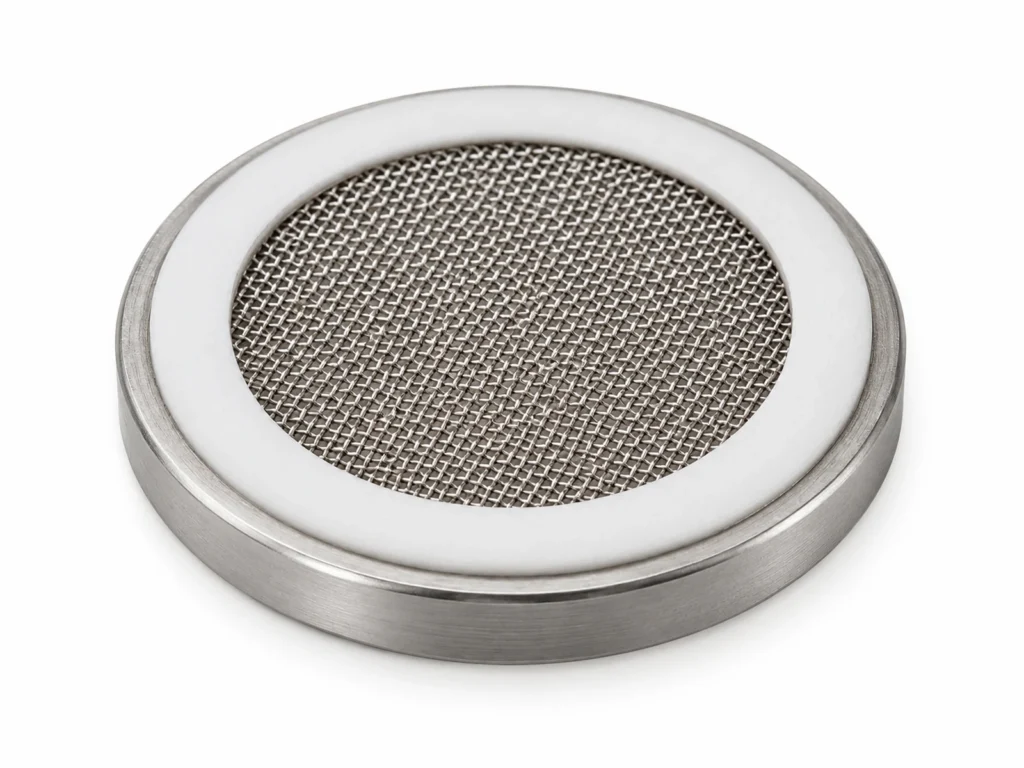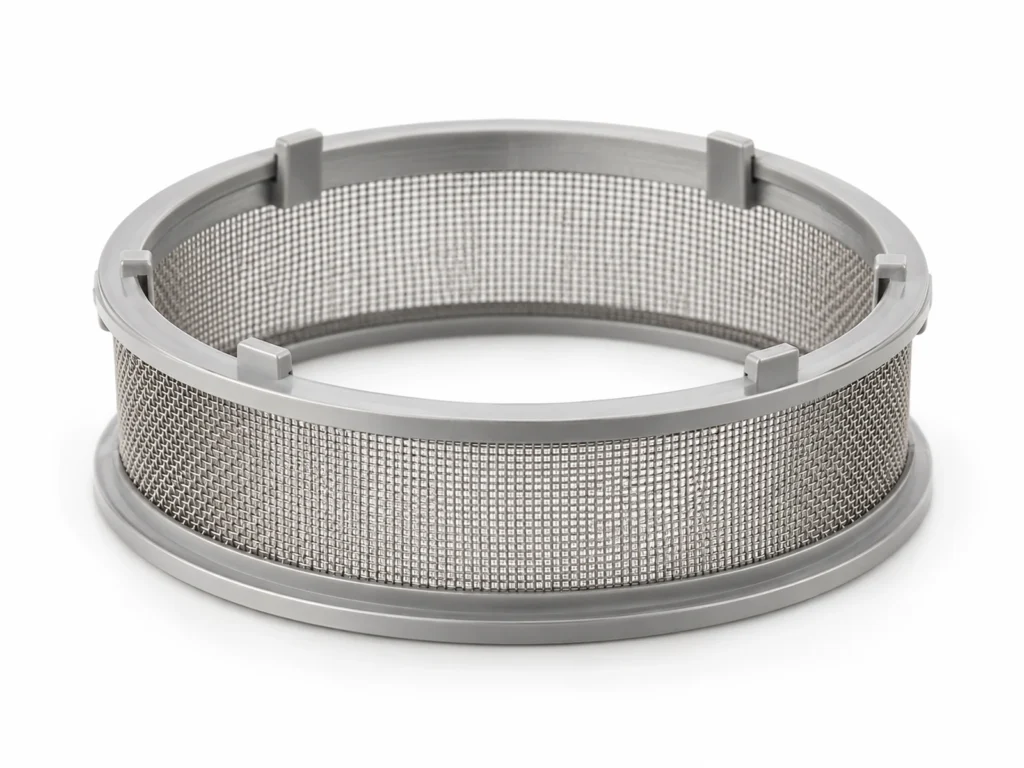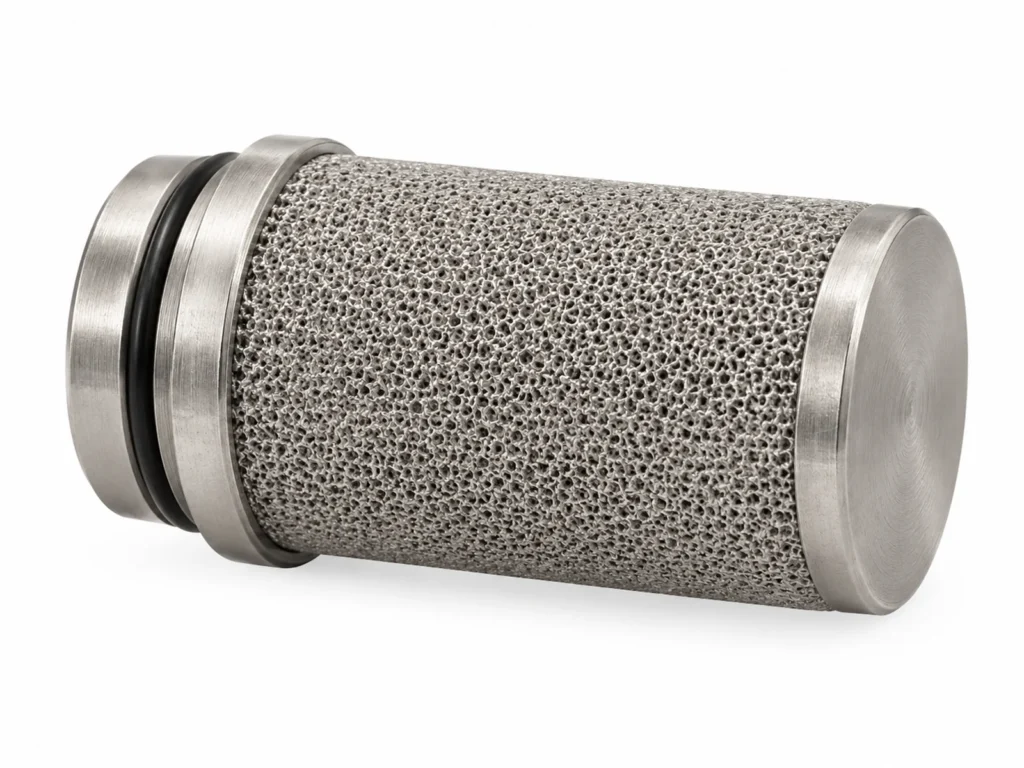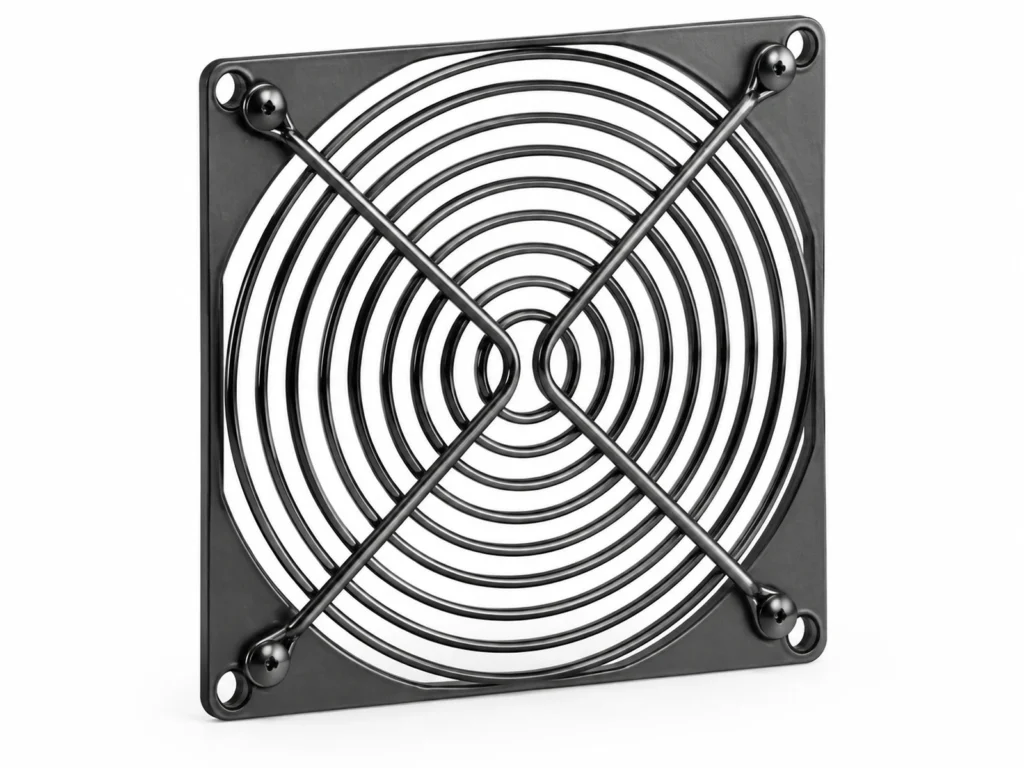
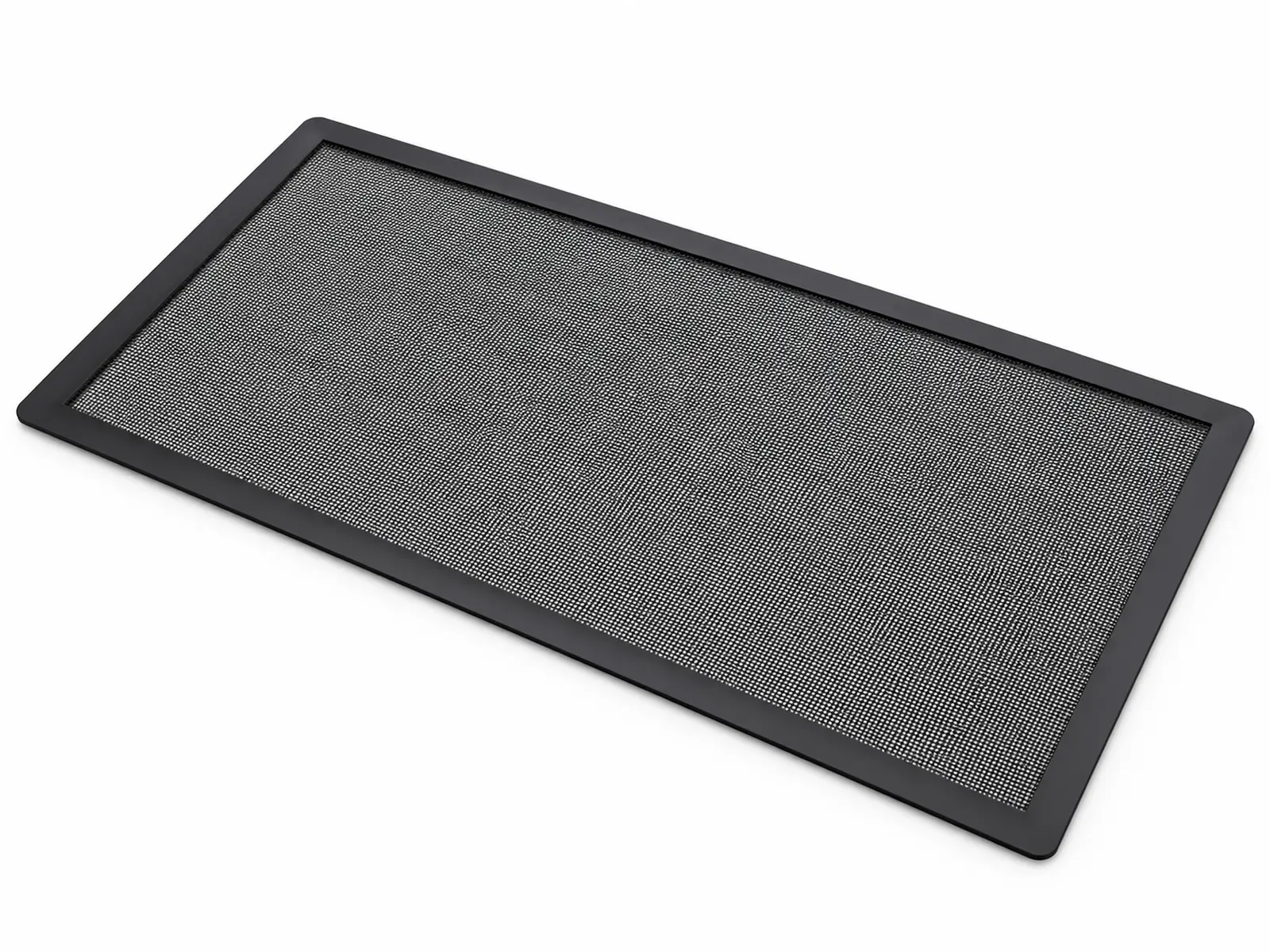
Application guide for PC Case Magnetic Dust Filter to Fan sizes per ATX / 120 mm form factor. The core duty of the type is catching dust at the fan intakes of desktop PCs and industrial computers with a stiff stainless mesh held on by a magnetic frame. The typical industries, the how-to-specify checklist, handling practice and the exclusion cases are set out below.
Typical Applications for PC Case Magnetic Dust Filter
Where PC Case Magnetic Dust Filter is specified and bought:
- PC case makers: front, top and bottom intake filters.
- Gaming & workstation builders: upgrade filters that keep GPUs and radiators clean.
- Server & network racks: intake panels in dusty offices and closets.
- Industrial PCs & kiosks: filtered vents in workshops and public spaces.
How to Specify PC Case Magnetic Dust Filter for Your Application
- Mesh count: 60-mesh for strong airflow; 100-mesh for dusty rooms or pet hair.
- Frame & magnet: A flexible magnetic strip frame snaps to steel panels; specify outer size to the fan grid.
- Airflow trade-off: Finer meshes raise intake restriction; pair them with high static-pressure fans.
- Standard: Quote Fan sizes per ATX / 120 mm form factor and the size designation from the table on the product page, plus any value you changed in the technical drawing.
Handling & Installation Practice
- Mount filters only on intakes so the case runs at slightly positive pressure and dust enters through filtered openings.
- Remove and rinse or vacuum filters monthly; dry fully before refitting.
Common Selection Mistakes with PC Case Magnetic Dust Filter
- Fitting very fine mesh on low-pressure fans, which raises temperatures.
- Leaving unfiltered gaps around the frame so dust bypasses the filter.
Where PC Case Magnetic Dust Filter Is Not the Right Choice
Not a replacement for HEPA filtration in cleanrooms or labs with fine particulate.