Skip to content

Acoustic & Electronics Mesh · Studio accessory · Application guide

What Is Microphone Pop Filter Metal Mesh Screen Used For?

A round black metal mesh pop filter on a gooseneck clamp in front of a studio condenser microphone, podcast studio

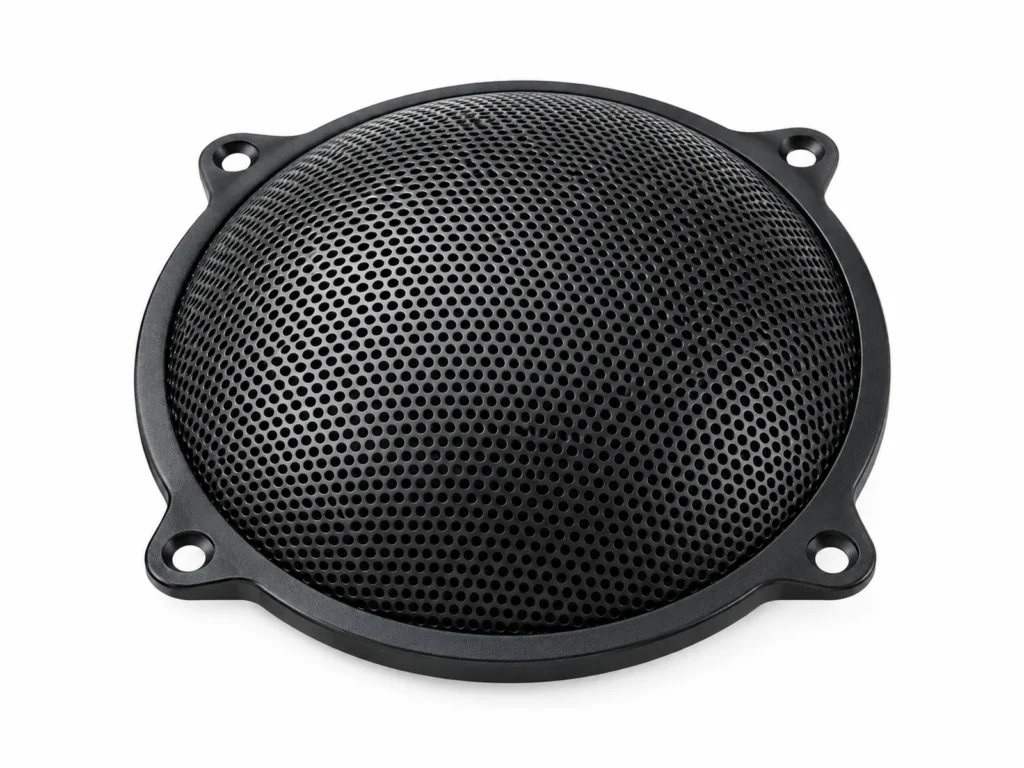
The primary duty of Microphone Pop Filter Metal Mesh Screen is breaking up the air blasts from P and B sounds in front of studio, podcast and streaming microphones with a thin perforated metal screen. Below: the sectors that specify it in volume, the checklist used to select the right mesh and alloy for the application, handling notes, and the known limits of the type.

Typical Applications for Microphone Pop Filter Metal Mesh Screen

Where Microphone Pop Filter Metal Mesh Screen is specified and bought:

  • Podcasters & streamers: pop filters on desk and arm-mounted microphones.
  • Recording studios: vocal booth pop screens.
  • Broadcast & voice-over: announcer booths.
  • Microphone brands: bundled accessories.

How to Specify Microphone Pop Filter Metal Mesh Screen for Your Application

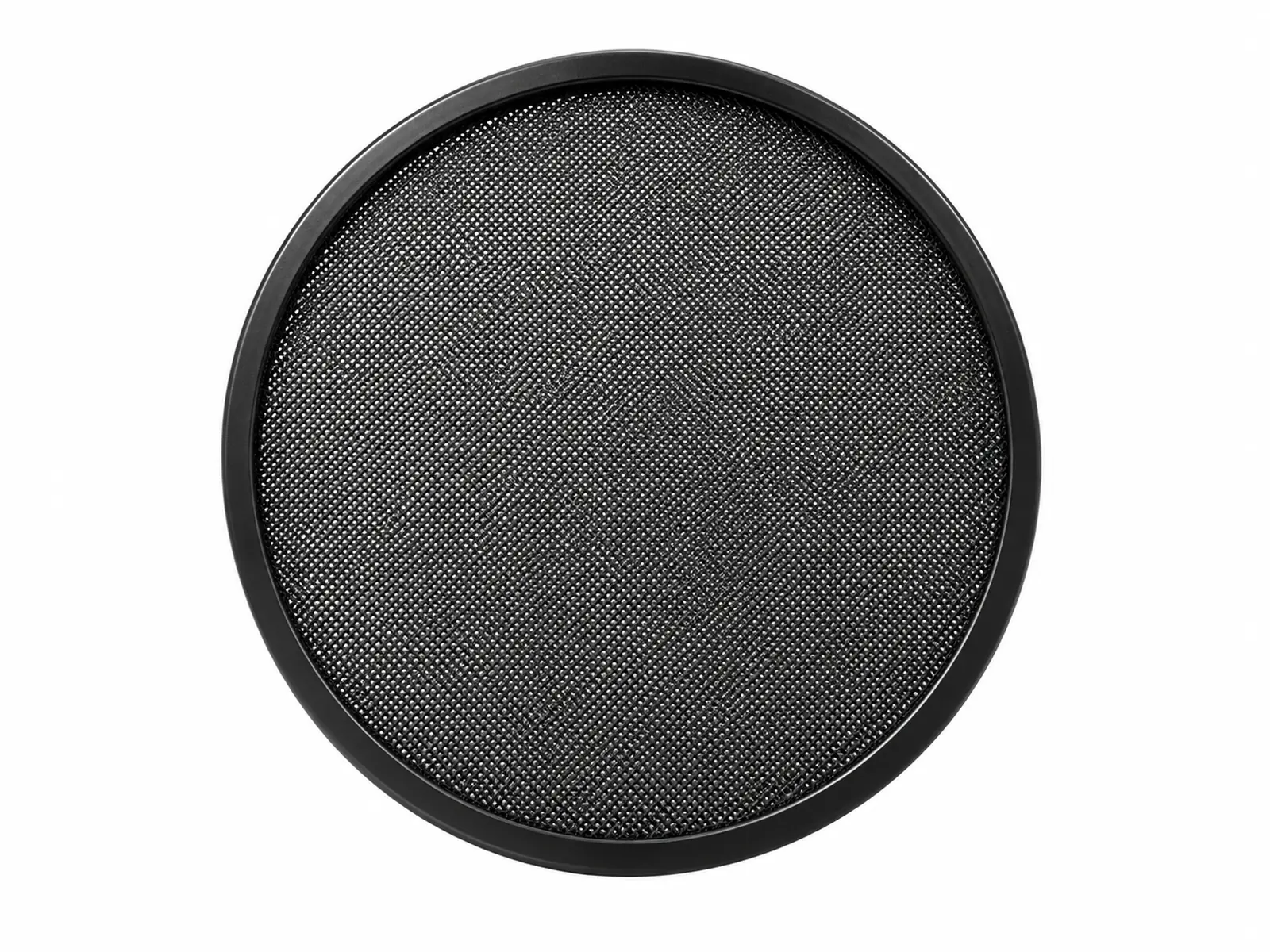
  • Diameter: 100–150 mm to cover the capsule from normal head movement.
  • Holes: 0.8–1.0 mm holes at about 30 % open area diffuse plosives without dulling treble.
  • Profile: Flat, or curved to keep a consistent distance across the face.
  • Standard: Quote Studio accessory and the size designation from the table on the product page, plus any value you changed in the technical drawing.

Handling & Installation Practice

  • Place 5–10 cm in front of the microphone, with the singer a few centimeters behind it.
  • Wipe with a damp cloth; metal screens can be disinfected unlike fabric ones.

Common Selection Mistakes with Microphone Pop Filter Metal Mesh Screen

  • Putting the screen right against the microphone, where it no longer diffuses the blast.
  • Bending the screen when adjusting the gooseneck.

Where Microphone Pop Filter Metal Mesh Screen Is Not the Right Choice

Not a reflection filter or acoustic treatment for the room.
If This Construction Is Not the Right Fit

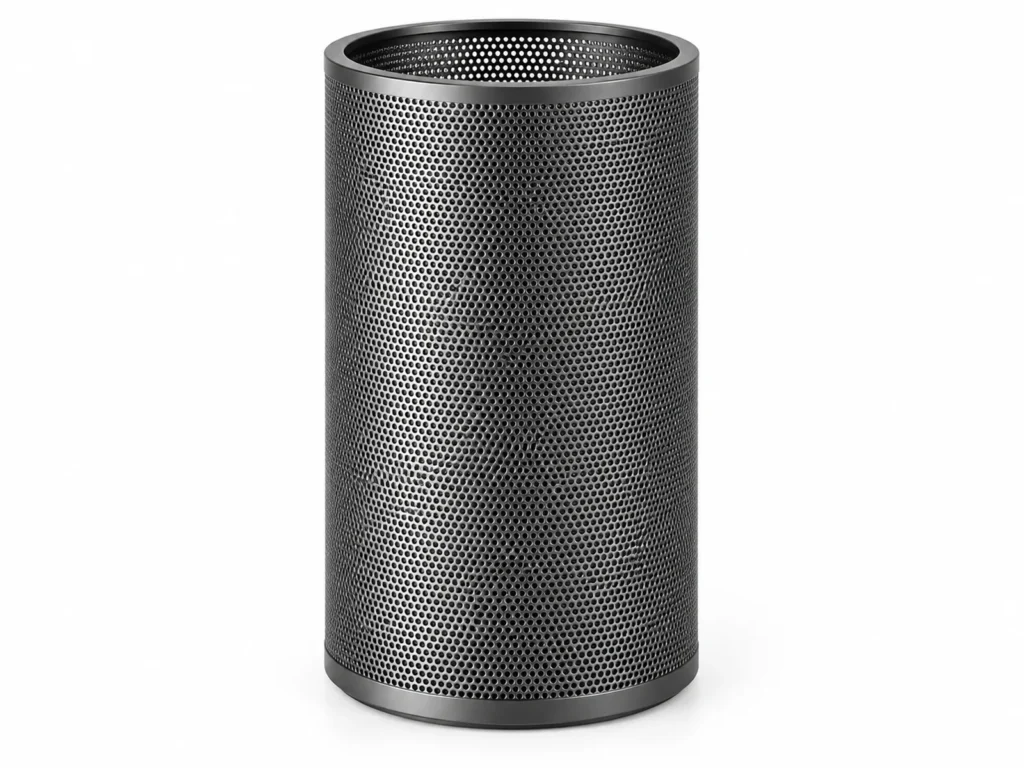
Closely related mesh types for the same duty — compare open area, aperture range and cleanability before you commit.

Technical Drawing

Customize the parameters below — every spec field is editable, and the drawing redraws to match the values you choose. Changing the size will snap the other fields to that size's standard values; you can then override any individual value.

Sends the selected values to the quote form below.

Request a Quote

Set the size and options in the drawing above, then send the exact configuration straight to this form.

Request a Quotation

Specification
Business Information

Dimensions & Specifications (Studio accessory)

SizeDiameter (mm)Hole diameter (mm)Open area (%)ProfileFinish
u00d81001000.830FlatBlack powder coat
u00d81501500.830FlatBlack powder coat
u00d8150 curved1501.032CurvedBlack powder coat

Frequently Asked Questions

What is Microphone Pop Filter Metal Mesh Screen used for?

Breaking up the air blasts from P and B sounds in front of studio, podcast and streaming microphones with a thin perforated metal screen.

Metal or nylon pop filter — which is better?

Metal mesh lasts longer and is easy to clean; nylon is slightly more transparent at very high frequencies.

How far should a pop filter be from the microphone?

About 5–10 cm.

Does a metal pop filter change the sound?

Only marginally when the open area is around 30 %.

Can I get a quote for Microphone Pop Filter Metal Mesh Screen to my own drawing?

Yes. Set the size and any custom value in the technical drawing on the product page and send it with the quote form; we reply within one business day.