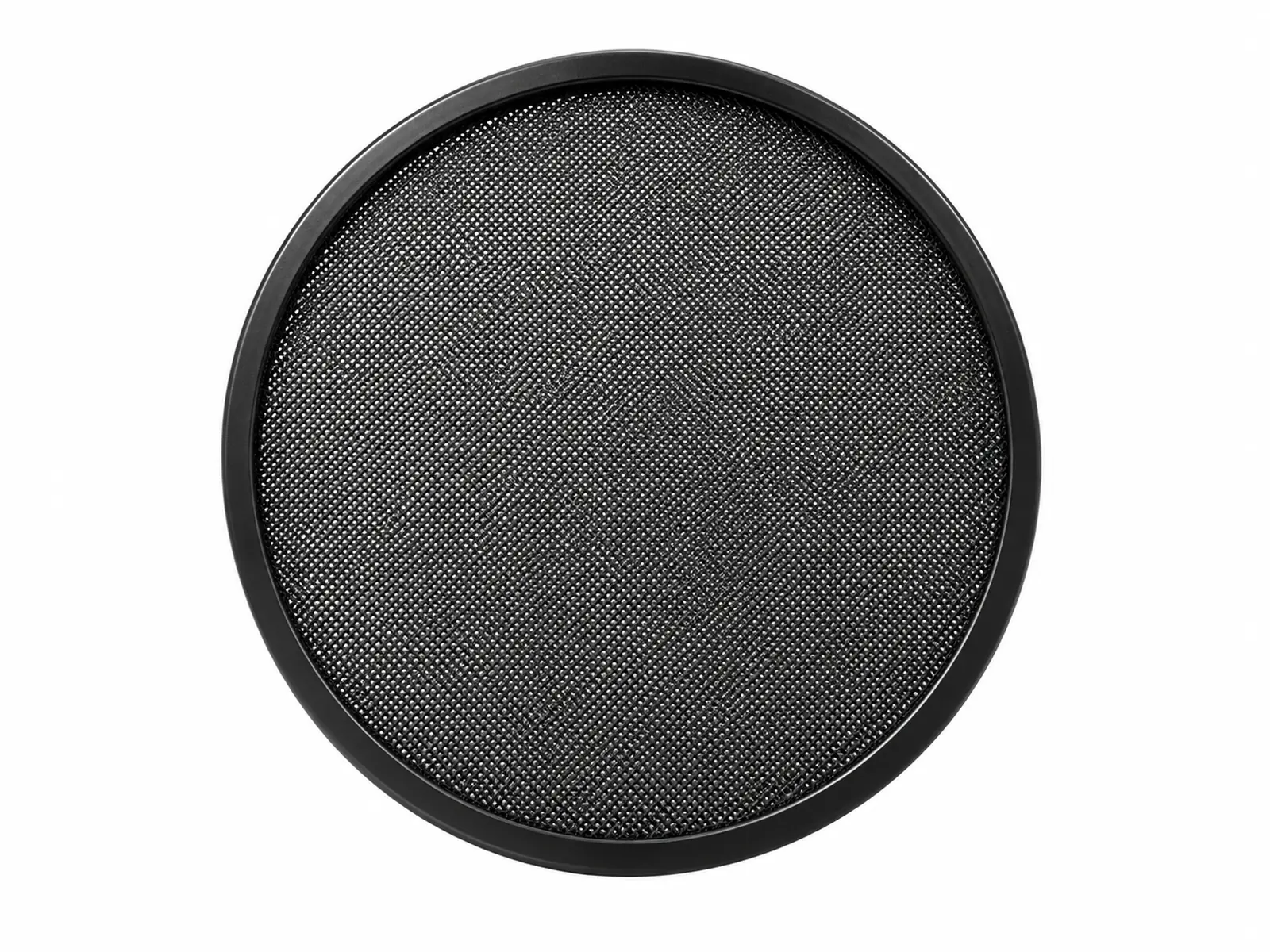
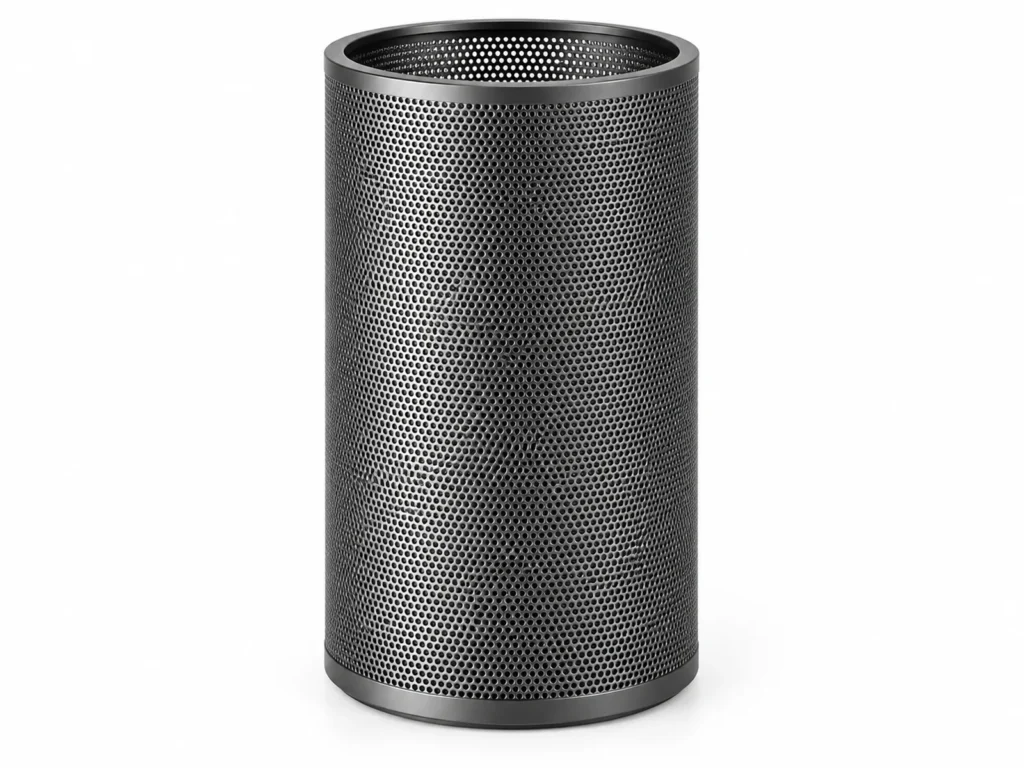
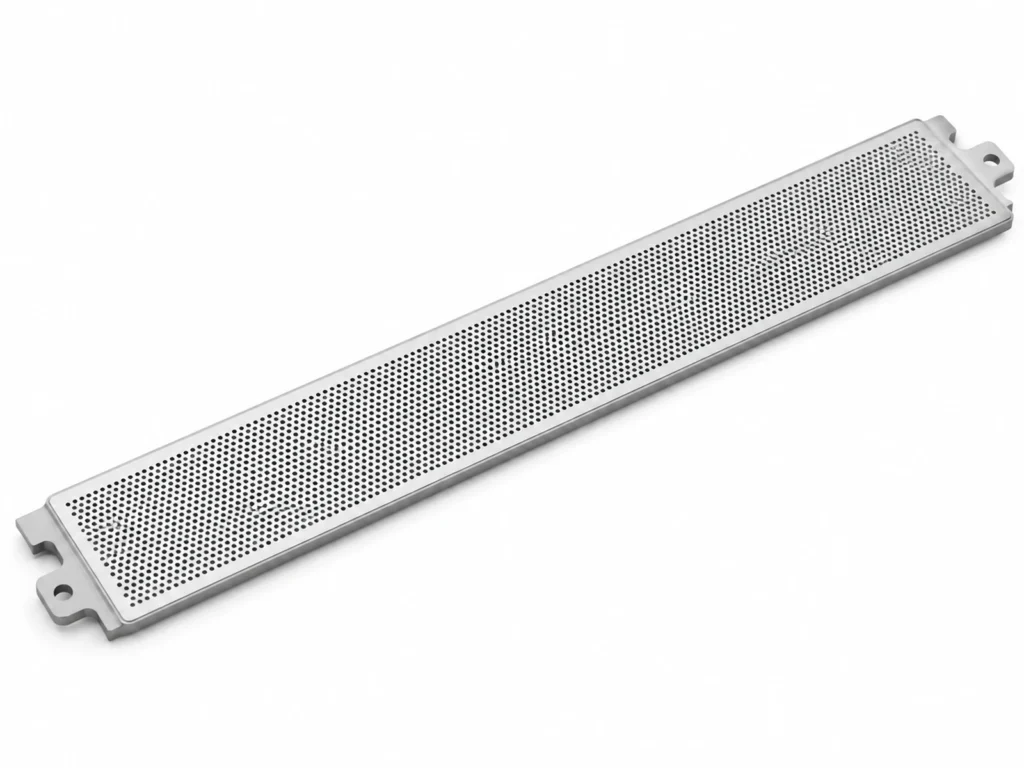
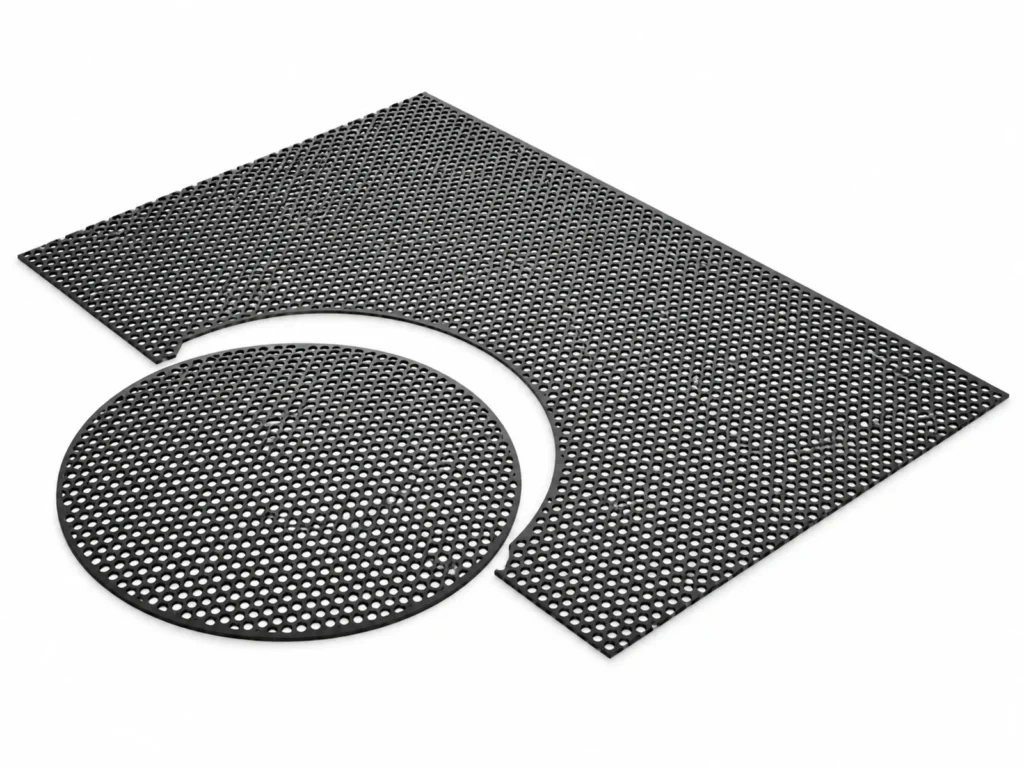
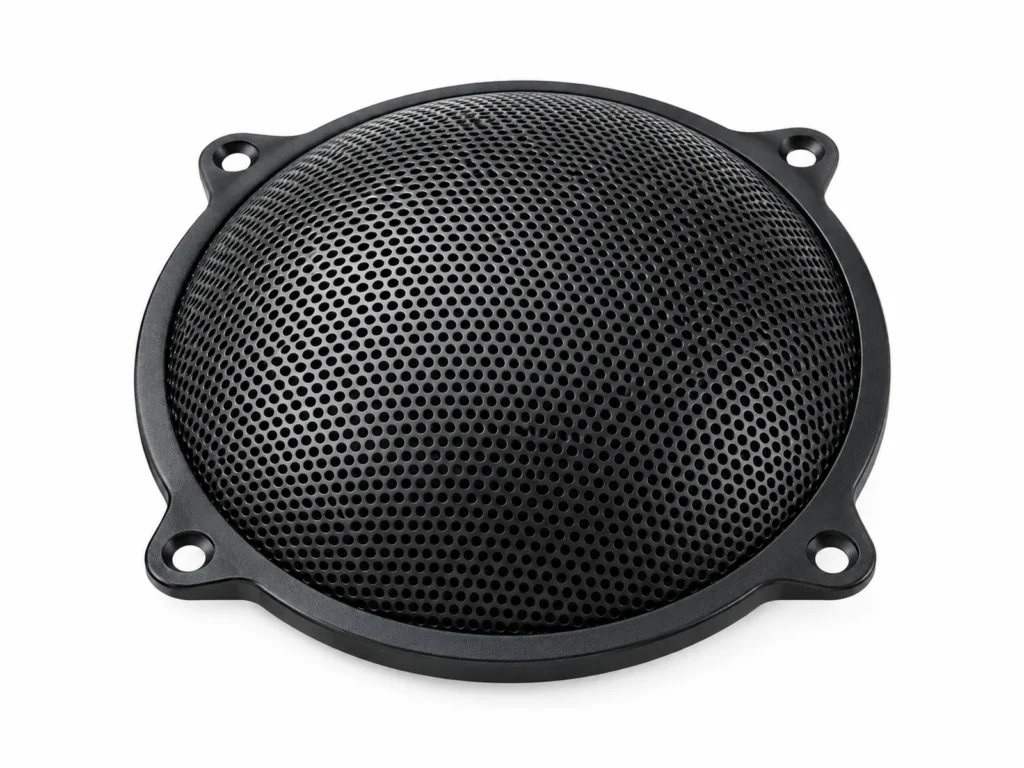
Microphone Pop Filter Metal Mesh Screen in 304 Stainless Steel (AISI 304 (1.4301)) is used for breaking up the air blasts from P and B sounds in front of studio, podcast and streaming microphones with a thin perforated metal screen. The alloy gives good general corrosion resistance in atmosphere and fresh water and is essentially non-magnetic (annealed), with a practical service limit of approx. +450 °C continuous.
Alloy Properties
| Grade designation | AISI 304 (1.4301) |
|---|
| Magnetic response | Essentially non-magnetic (annealed) |
|---|
| Service temperature | approx. +450 °C continuous |
|---|
| Corrosion characteristic | Good general corrosion resistance in atmosphere and fresh water |
|---|
Specifications of Microphone Pop Filter Metal Mesh Screen Available in 304 Stainless Steel
| Size | Diameter (mm) | Hole diameter (mm) | Open area (%) | Profile | Finish |
|---|
| u00d8100 | 100 | 0.8 | 30 | Flat | Black powder coat |
| u00d8150 | 150 | 0.8 | 30 | Flat | Black powder coat |
| u00d8150 curved | 150 | 1.0 | 32 | Curved | Black powder coat |
Where 304 Stainless Steel Microphone Pop Filter Metal Mesh Screen Is Used
- Podcasters & streamers: pop filters on desk and arm-mounted microphones.
- Recording studios: vocal booth pop screens.
- Broadcast & voice-over: announcer booths.
- Microphone brands: bundled accessories.
Ordering Microphone Pop Filter Metal Mesh Screen in 304 Stainless Steel
- Diameter: 100–150 mm to cover the capsule from normal head movement.
- Holes: 0.8–1.0 mm holes at about 30 % open area diffuse plosives without dulling treble.
- Profile: Flat, or curved to keep a consistent distance across the face.
Mistakes to Avoid with Microphone Pop Filter Metal Mesh Screen
- Putting the screen right against the microphone, where it no longer diffuses the blast.
- Bending the screen when adjusting the gooseneck.