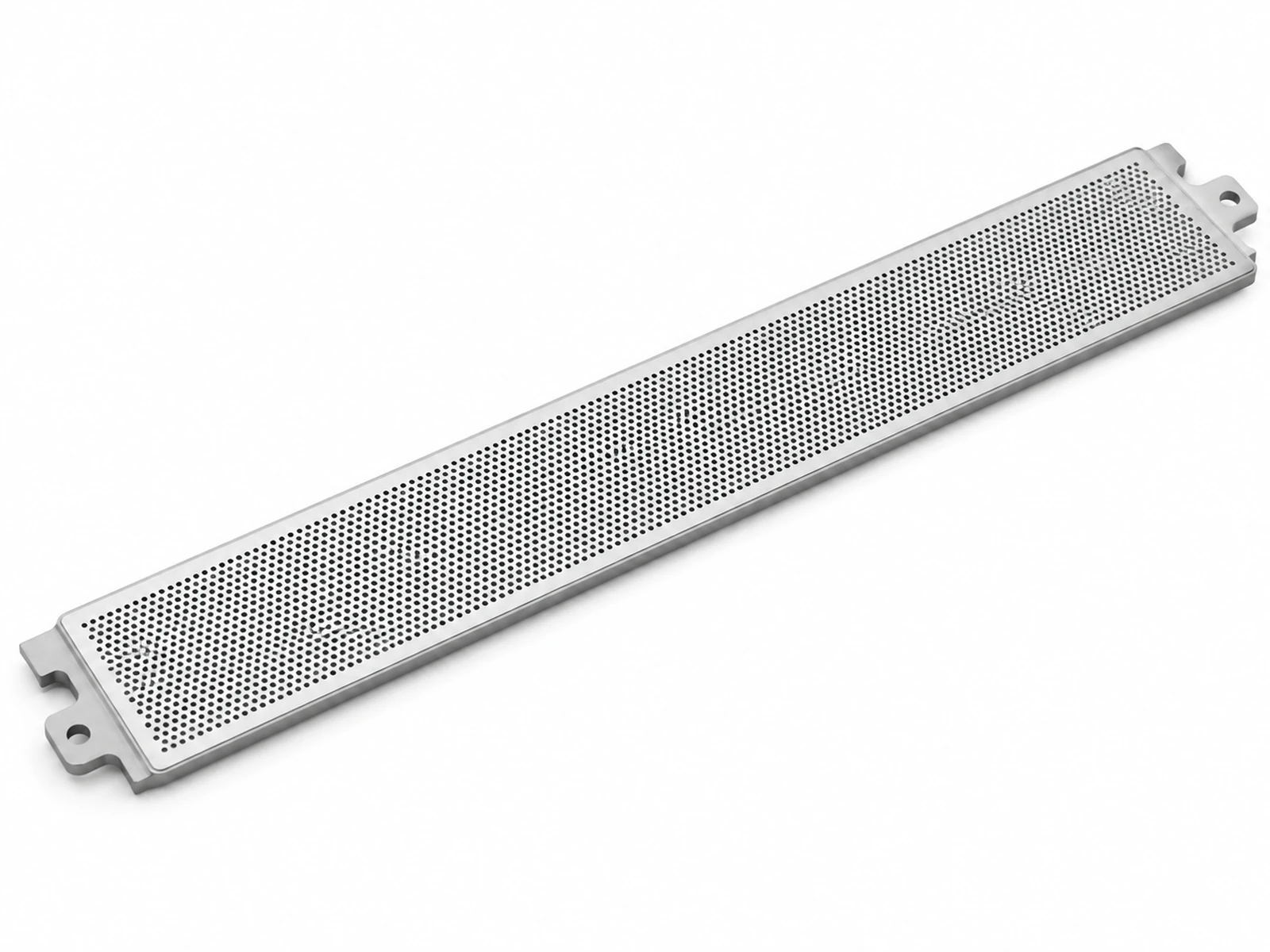
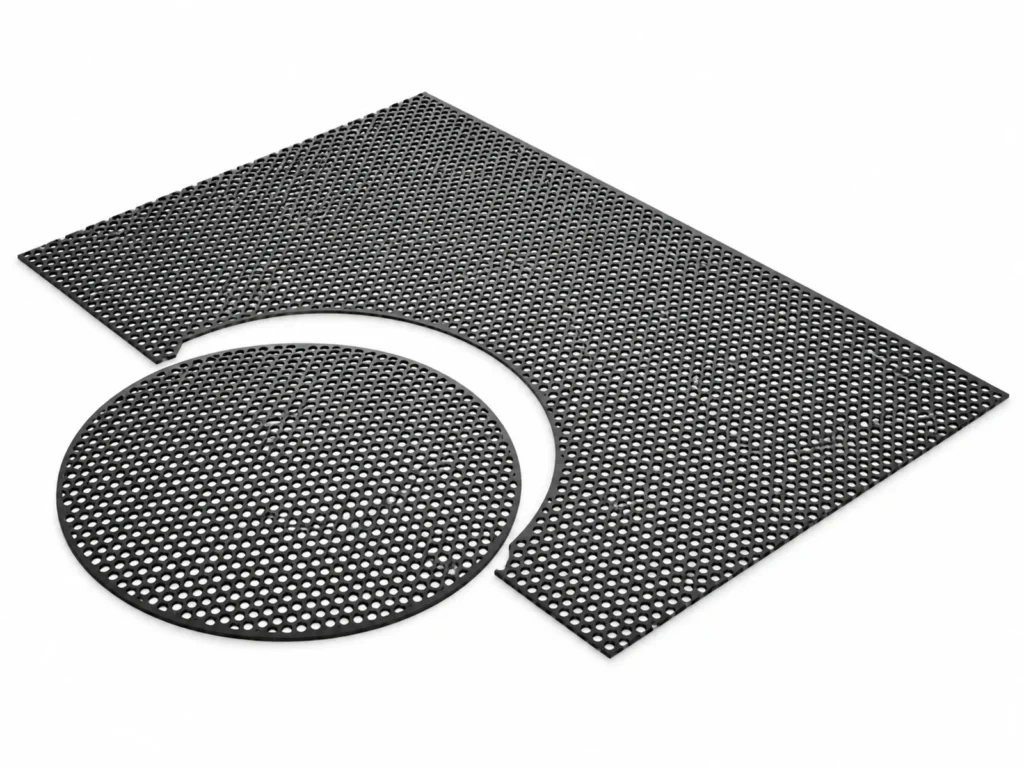
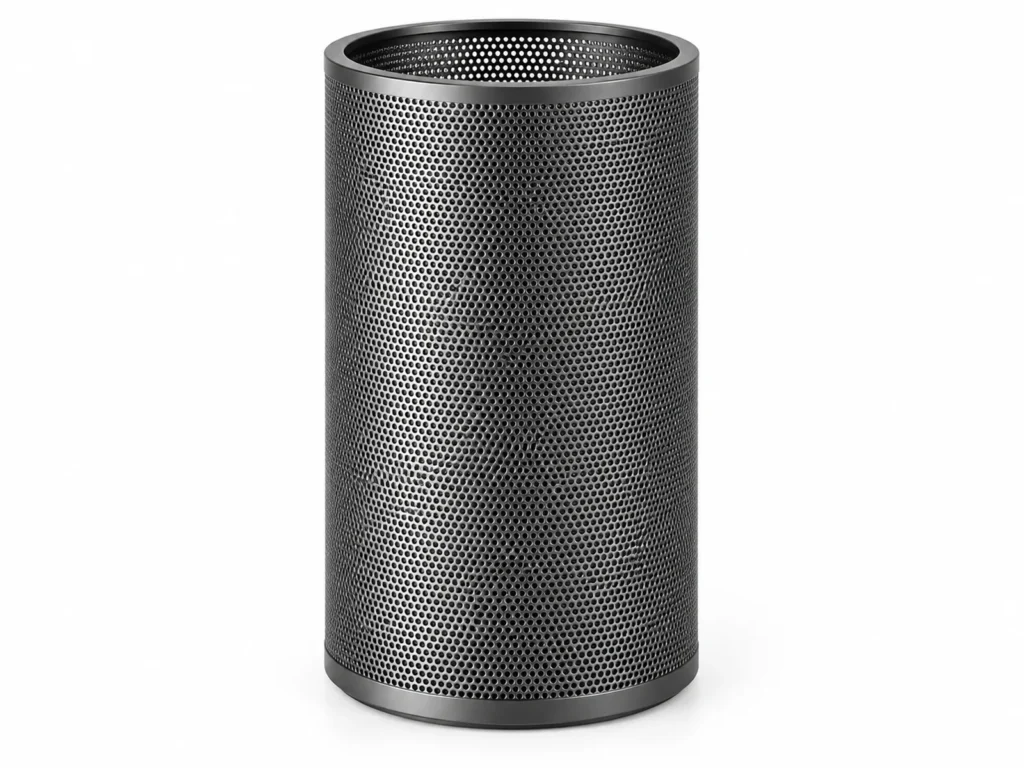
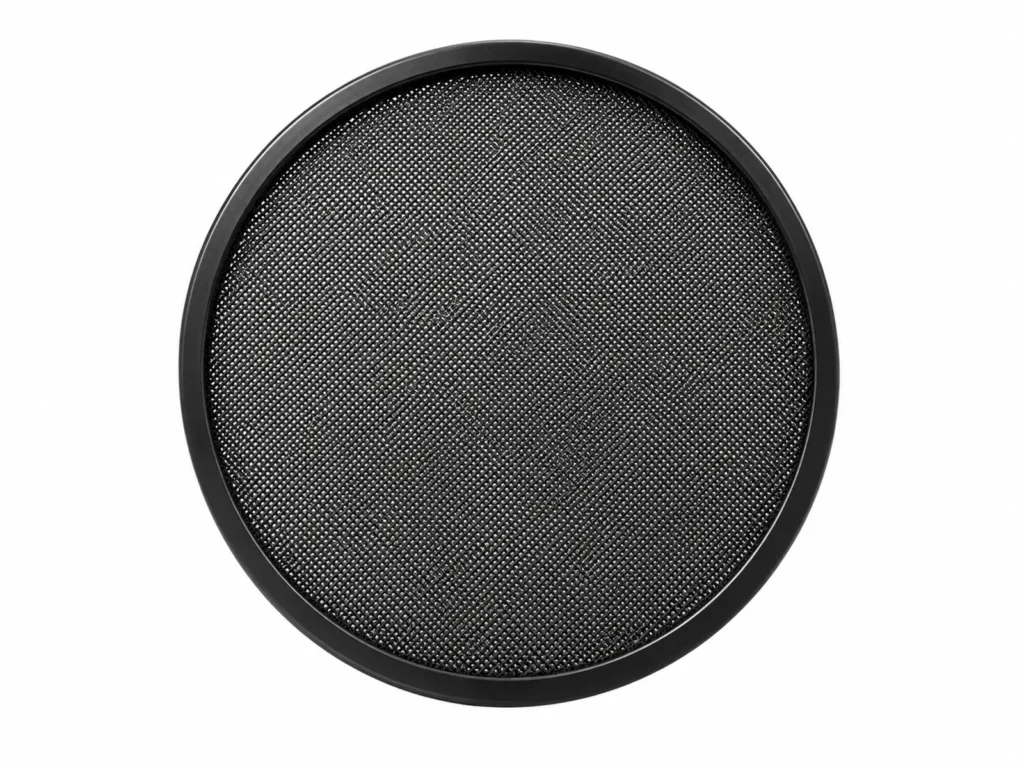
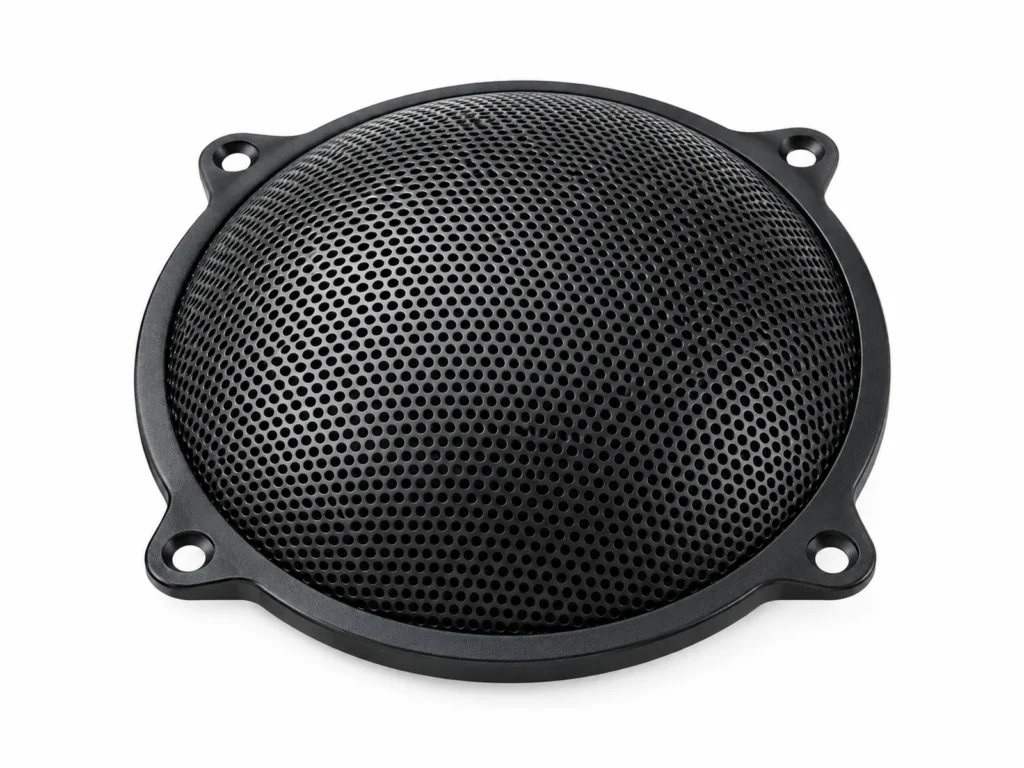
Laptop & Device Speaker Grille (Micro-Perforated) in 304 Stainless Steel (AISI 304 (1.4301)) is used for forming micro-perforated speaker grilles in laptop decks, tablets, monitors and smart displays that look solid from normal viewing distance yet pass sound. The alloy gives good general corrosion resistance in atmosphere and fresh water and is essentially non-magnetic (annealed), with a practical service limit of approx. +450 °C continuous.
Alloy Properties
| Grade designation | AISI 304 (1.4301) |
|---|
| Magnetic response | Essentially non-magnetic (annealed) |
|---|
| Service temperature | approx. +450 °C continuous |
|---|
| Corrosion characteristic | Good general corrosion resistance in atmosphere and fresh water |
|---|
Specifications of Laptop & Device Speaker Grille (Micro-Perforated) Available in 304 Stainless Steel
| Size | Hole diameter (mm) | Pitch (mm) | Thickness (mm) | Open area (%) | Material |
|---|
| u00d80.5 / P1.0 | 0.5 | 1.0 | 0.3 | 22.7 | Aluminum 5052, anodized |
| u00d80.6 / P1.2 | 0.6 | 1.2 | 0.4 | 22.7 | Aluminum 5052, anodized |
| u00d80.8 / P1.5 | 0.8 | 1.5 | 0.5 | 25.8 | SS304 |
| u00d81.0 / P1.8 | 1.0 | 1.8 | 0.5 | 28.0 | SS304 |
Where 304 Stainless Steel Laptop & Device Speaker Grille (Micro-Perforated) Is Used
- Laptop OEMs: grilles beside the keyboard and on the base underside.
- Monitors & all-in-one PCs: speaker bars integrated into the bezel.
- Smart home displays & hubs: front grilles with a seamless metal look.
- Medical & industrial devices: alarm and buzzer grilles that must be cleanable.
Ordering Laptop & Device Speaker Grille (Micro-Perforated) in 304 Stainless Steel
- Hole size & pitch: Holes under 0.8 mm at 1.0–1.5 mm pitch read as a texture rather than holes.
- Open area: Keep at least 20–25 % so the speaker is not muffled; increase it for bass-heavy drivers.
- Material & finish: Anodized aluminum 5052 matches unibody cases; SS304 suits thinner, stiffer grilles.
Mistakes to Avoid with Laptop & Device Speaker Grille (Micro-Perforated)
- Aligning the hole pattern with the keyboard grid, which creates visible moiré.
- Choosing an open area under 20 %, which muffles small drivers.