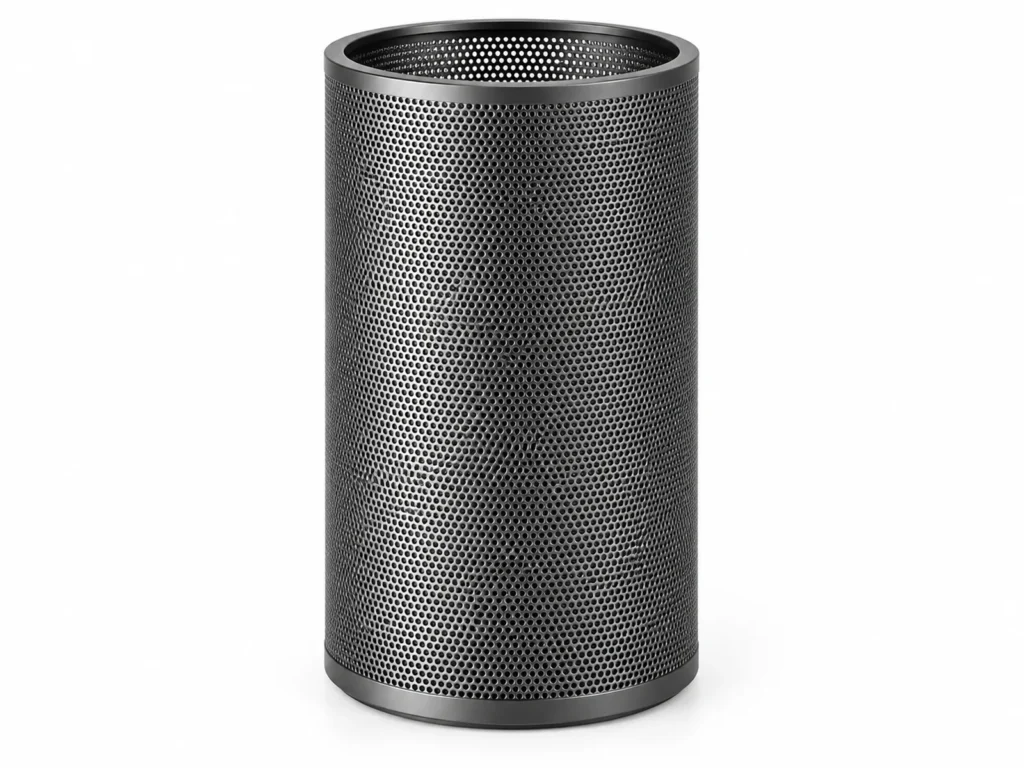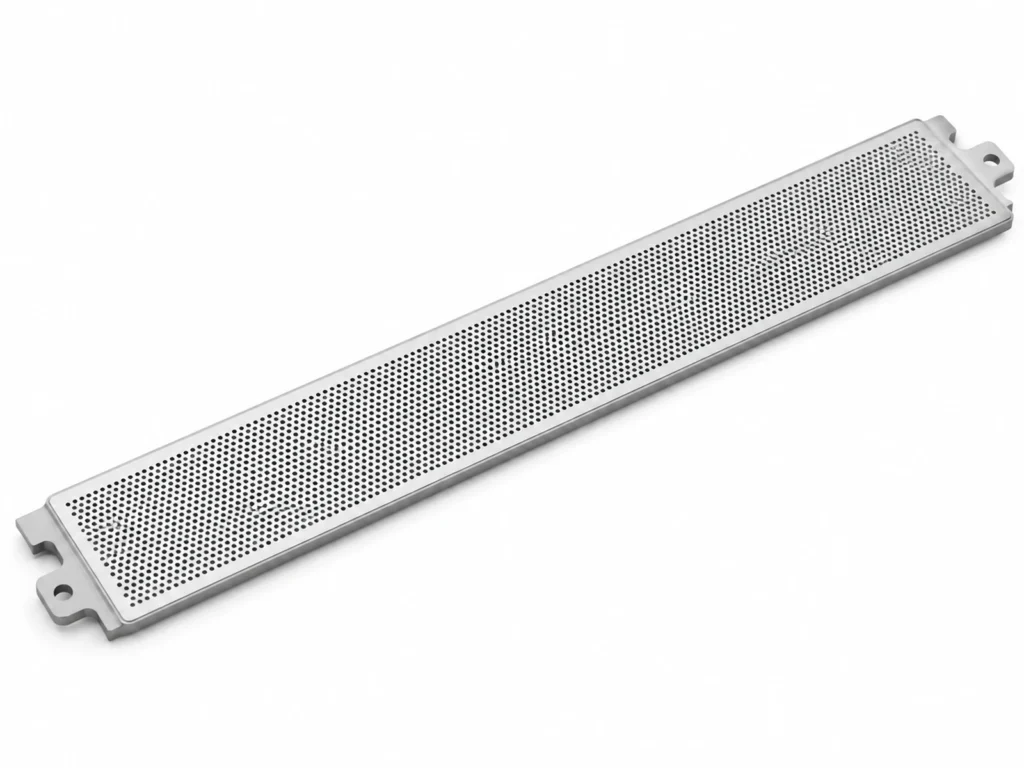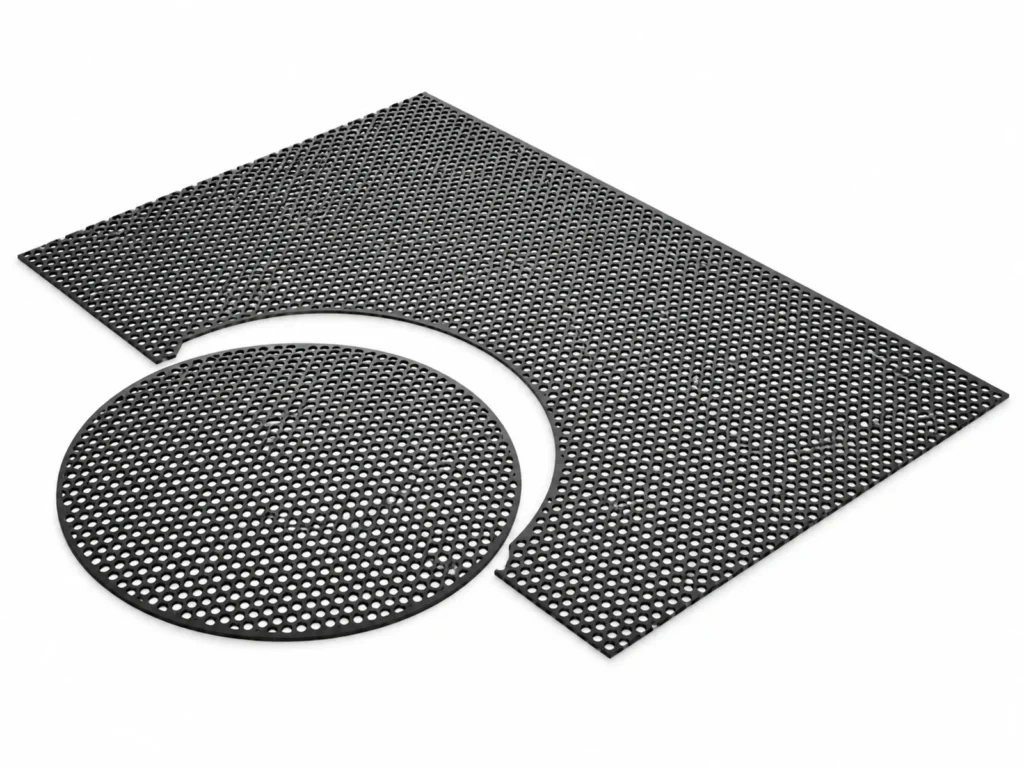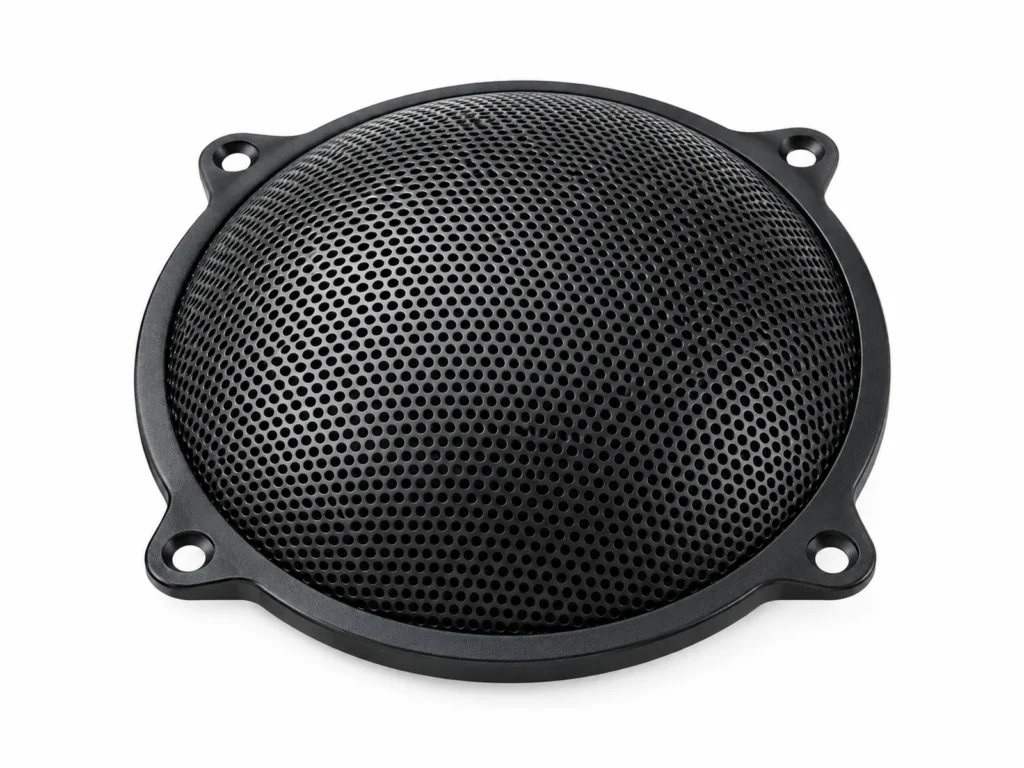
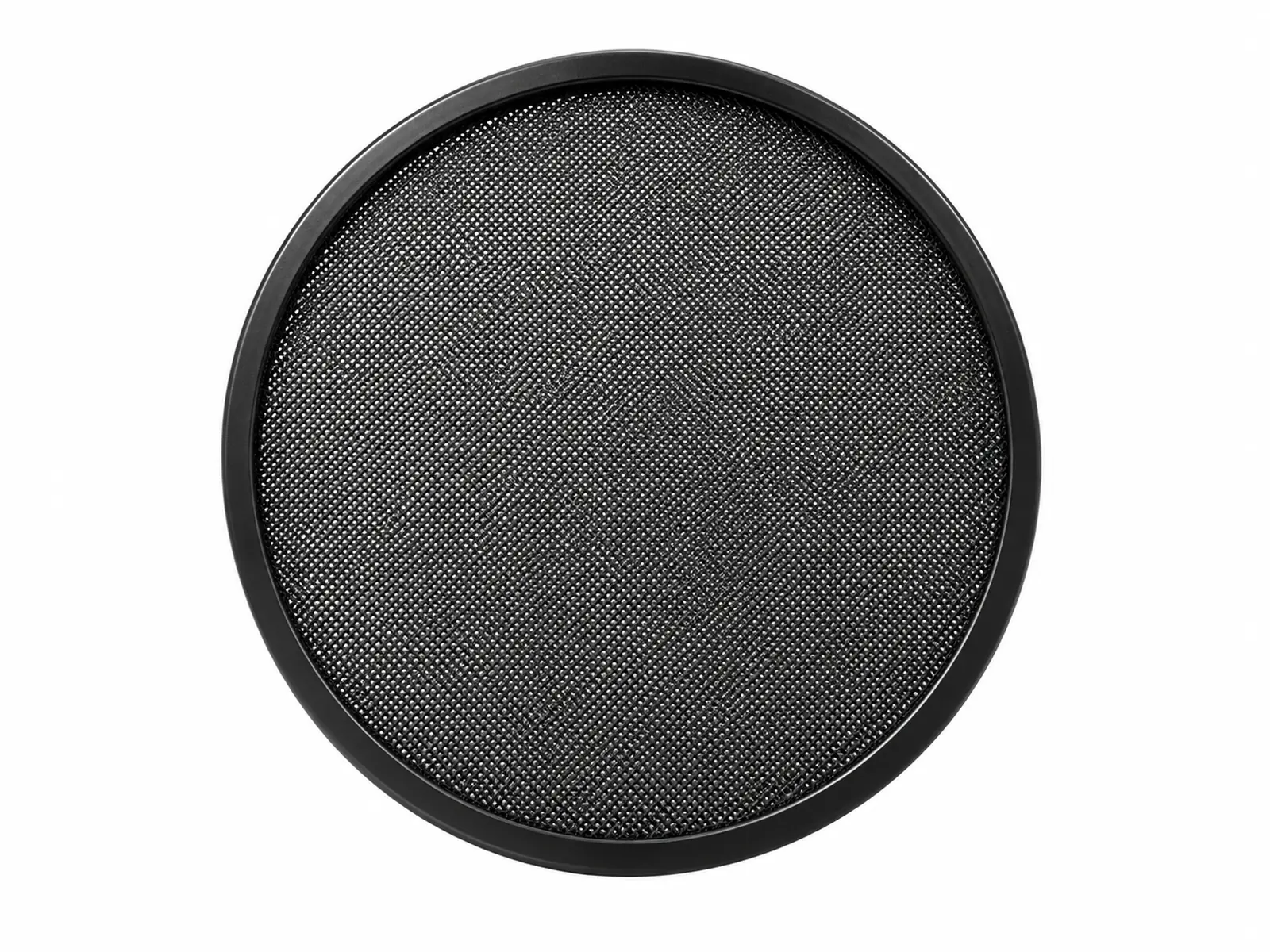
The primary duty of Microphone Pop Filter Metal Mesh Screen is breaking up the air blasts from P and B sounds in front of studio, podcast and streaming microphones with a thin perforated metal screen. Below: the sectors that specify it in volume, the checklist used to select the right mesh and alloy for the application, handling notes, and the known limits of the type.
Typical Applications for Microphone Pop Filter Metal Mesh Screen
Where Microphone Pop Filter Metal Mesh Screen is specified and bought:
- Podcasters & streamers: pop filters on desk and arm-mounted microphones.
- Recording studios: vocal booth pop screens.
- Broadcast & voice-over: announcer booths.
- Microphone brands: bundled accessories.
How to Specify Microphone Pop Filter Metal Mesh Screen for Your Application
- Diameter: 100–150 mm to cover the capsule from normal head movement.
- Holes: 0.8–1.0 mm holes at about 30 % open area diffuse plosives without dulling treble.
- Profile: Flat, or curved to keep a consistent distance across the face.
- Standard: Quote Studio accessory and the size designation from the table on the product page, plus any value you changed in the technical drawing.
Handling & Installation Practice
- Place 5–10 cm in front of the microphone, with the singer a few centimeters behind it.
- Wipe with a damp cloth; metal screens can be disinfected unlike fabric ones.
Common Selection Mistakes with Microphone Pop Filter Metal Mesh Screen
- Putting the screen right against the microphone, where it no longer diffuses the blast.
- Bending the screen when adjusting the gooseneck.
Where Microphone Pop Filter Metal Mesh Screen Is Not the Right Choice
Not a reflection filter or acoustic treatment for the room.